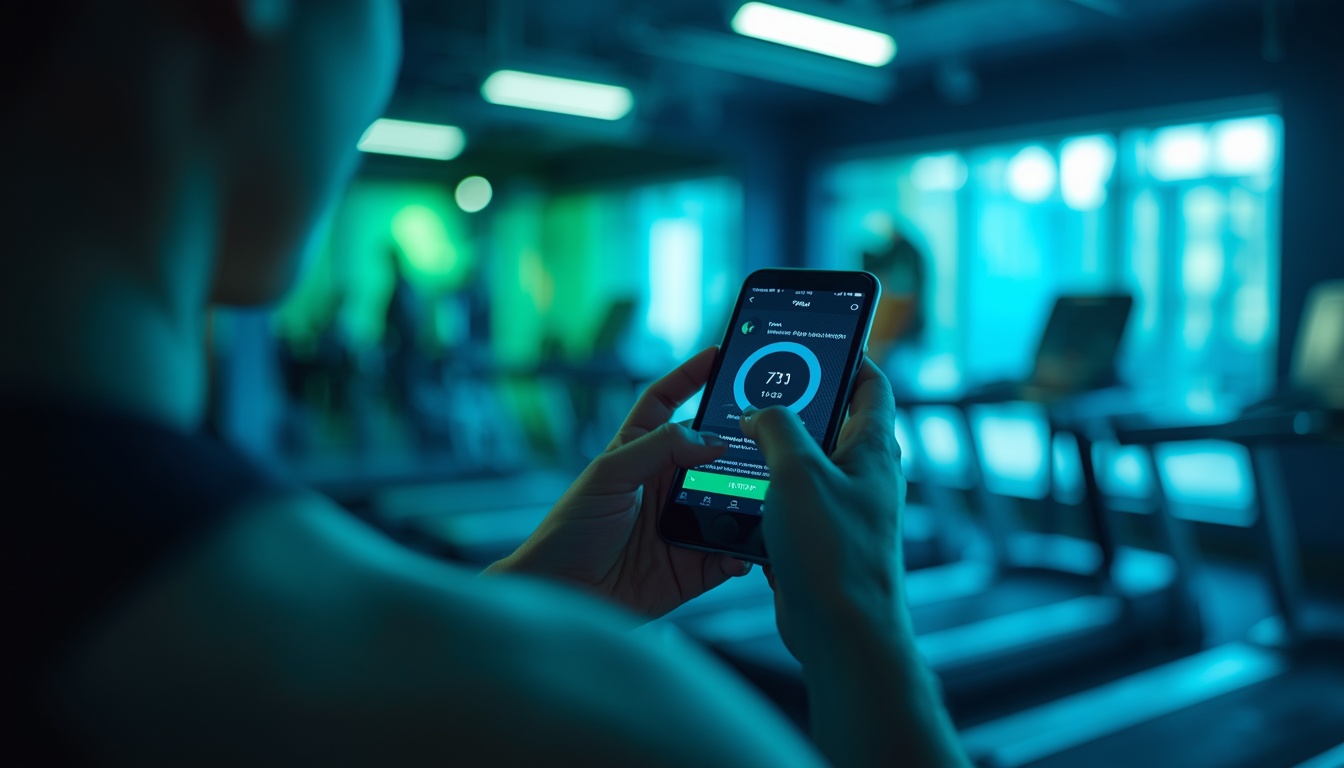

Connecting wearable biometric trackers—such as Apple Watch, Garmin, Whoop, Oura Ring, or Fitbit—to third-party fitness and nutrition applications promises a unified digital health ecosystem. In an ideal setup, your smartwatch measures heart rate and active calories, your smart scale syncs body weight, and your nutrition app adjusts daily macronutrient targets automatically. However, cross-platform syncing frequently results in technical headaches: duplicate workout entries, mismatched calorie counts, battery drain, and broken API connections. Establishing a seamless, headache-free wearable integration pipeline requires understanding health data aggregators, syncing permissions, and conflict resolution protocols.
Understanding Central Health Data Hubs: Apple Health vs Health Connect
The single most effective architectural step for preventing syncing headaches is utilizing a central native health data aggregator rather than linking third-party apps directly to each other.
Apple Health (iOS) & Health Connect (Android). Apple Health and Google Health Connect serve as system-level, local data clearinghouses. Instead of connecting Strava directly to MyFitnessPal, Nike Training Club, and Garmin Connect—which creates web-like data loops and duplicate entries—every app should read from and write to the central health hub.
How Aggregator Architecture Prevents Duplicate Entries. When Garmin Connect syncs a GPS run to Apple Health, Apple Health assigns a unique UUID identifier to the workout. When MyFitnessPal reads data from Apple Health, it recognizes the single verified workout, preventing the duplicate logging that occurs when both Strava and Garmin sync identical runs directly to MyFitnessPal simultaneously.
Resolving Common Wearable Integration Headaches
Navigating cross-platform syncing errors requires troubleshooting four common technical friction points:
1. The “Double Calorie Counting” Error. When a wearable tracks an active workout (e.g., burning 400 calories on a run), both the wearable app and nutrition app (like MyFitnessPal) may log active exercise *and* step-count adjustments simultaneously. To fix this, set your nutrition app’s step source to “None” or select your primary wearable device as the single authoritative step tracker.
2. Bluetooth vs Cloud API Conflicts. Wearables sync via two distinct pathways: local Bluetooth pairing to companion smartphone apps (instantaneous) or background cloud-to-cloud server APIs (delayed). If a workout fails to appear in a third-party app, open the wearable’s native companion app first to force a local Bluetooth sync to your phone.
3. Overlapping App Permissions. Reviewing read/write permissions prevents data overwrites. For example, grant your dedicated strength logging app (Hevy) permission to *write* workouts to Apple Health, but disable its permission to *read* weight logs if your smart scale app (Withings) is the authoritative weight source.
Wearable Integration Architecture Comparison
| Data Aggregator / Hub | Native OS Platform | Primary Data Security | Sync Latency | Common Friction Point |
|---|---|---|---|---|
| Apple Health | Apple iOS / watchOS | Local End-to-End Encryption | Instantaneous (Local API) | Restricted to Apple hardware |
| Google Health Connect | Android OS | Local Device Security | Near Instantaneous | Requires manual app permission toggles |
| Garmin Connect API | Multi-Platform (iOS/Android)| Cloud Server API | 1 to 5 Minute Delay | Third-party cloud server maintenance delays | |
| Whoop / Oura Cloud API| Multi-Platform (iOS/Android)| Cloud Server API | 5 to 15 Minute Delay | Requires active subscription & background sync |
Optimizing Battery Life and Background App Refresh Settings
Continuous background data syncing between wearables and third-party apps can drain smartphone and smartwatch batteries rapidly.
Background Refresh Best Practices. On iOS and Android, manage Background App Refresh settings. Allow background refresh strictly for your central health hub and primary wearable companion app. Disabling background refresh for secondary fitness apps reduces battery drain while preserving full data syncing whenever secondary apps are opened manually.
Concluding Recommendation
Streamline your wearable integrations by routing all biometric and workout data through your smartphone’s native central clearinghouse (Apple Health or Google Health Connect), assigning strict single-source read/write permissions to eliminate duplicate entries and syncing delays.
Managing Wearable Firmware Updates and API Maintenance
Wearable device manufacturers regularly update internal device firmware to patch Bluetooth security vulnerabilities and refine optical sensor algorithms. However, firmware updates can temporarily disrupt third-party app connections.
Firmware Maintenance Best Practices. If a wearable stops syncing data to Apple Health or Health Connect after a device update:
1. Disconnect and Re-Pair Bluetooth: Open your smartphone’s Bluetooth settings menu, forget the wearable hardware device, and re-pair it.
2. Toggle Sync Permissions Off and On: Open Apple Health or Health Connect permission menus, toggle all read/write permissions OFF, restart your phone, and toggle permissions back ON.
3. Verify Cloud API Status: Check third-party app status pages (such as Garmin Connect Status or Strava Support) to confirm whether cloud server maintenance is causing background syncing delays.
Evaluating Multi-Sensor Wearable Integration: Smart Rings, Watches, and Scales
Many health enthusiasts utilize multiple wearable hardware devices simultaneously—such as wearing an Apple Watch during daytime workouts, wearing an Oura Ring for sleep tracking, and stepping on a Withings smart scale every morning.
Establishing Data Priority Hierarchies. Central health aggregators allow setting explicit “Data Source Priorities.” For example, inside Apple Health’s Heart Rate settings, move Apple Watch to the top of the priority list for workout tracking, while placing Oura Ring at the top for overnight resting heart rate tracking. Establishing priority hierarchies guarantees that your most accurate sensor data overrides secondary device inputs.
Troubleshooting Unsent Workouts and Sync Delays
When using third-party fitness apps paired with standalone GPS sports watches (such as Garmin Forerunner or COROS Pace), sync delays can occur when returning from outdoor runs.
Step-by-Step Sync Troubleshooting Protocol:
1. Force Refresh Companion Apps: Open the watch’s native companion app (Garmin Connect or COROS) to ensure the local Bluetooth file transfer completes before opening third-party logging apps like Strava.
2. Check Account Authorization Tokens: Open the third-party app’s Connected Services menu, revoke API access, and re-authorize the account connection to refresh security tokens.
3. Export Manual FIT/TCX Files: If automatic cloud syncing fails entirely, download the raw `.FIT` or `.TCX` activity file directly from your watch via USB cable and upload it manually to your preferred fitness platform.
Summary Guidelines for Headache-Free Wearable Integration
To ensure your wearable sensors and fitness apps sync reliably without data conflicts:
1. Standardize on a Single Health Hub: Route all wearable biometric data through Apple Health or Google Health Connect.
2. Assign Strict Data Priorities: Designate your most accurate wearable hardware as the primary source for steps, heart rate, and workouts.
3. Manage Background App Refresh: Allow background sync permissions strictly for your central health hub and primary wearable app to conserve battery life.
Routing all wearable data through a central health aggregator eliminates technical headaches and ensures accurate physiological tracking.
Establishing clear data clearinghouse protocols transforms fragmented health devices into a unified, headache-free digital wellness ecosystem.
Our pick: Apple Health (iOS Ecosystem) or Google Health Connect (Android Ecosystem)